

Business planAvailable on the Business plan.
The audit log records who created, changed or deleted a record, when, and which fields changed. Reads of clinical notes are recorded too.
Open the audit log
-
Open Control panel in the sidebar.
-
Choose Audit log from the sections.
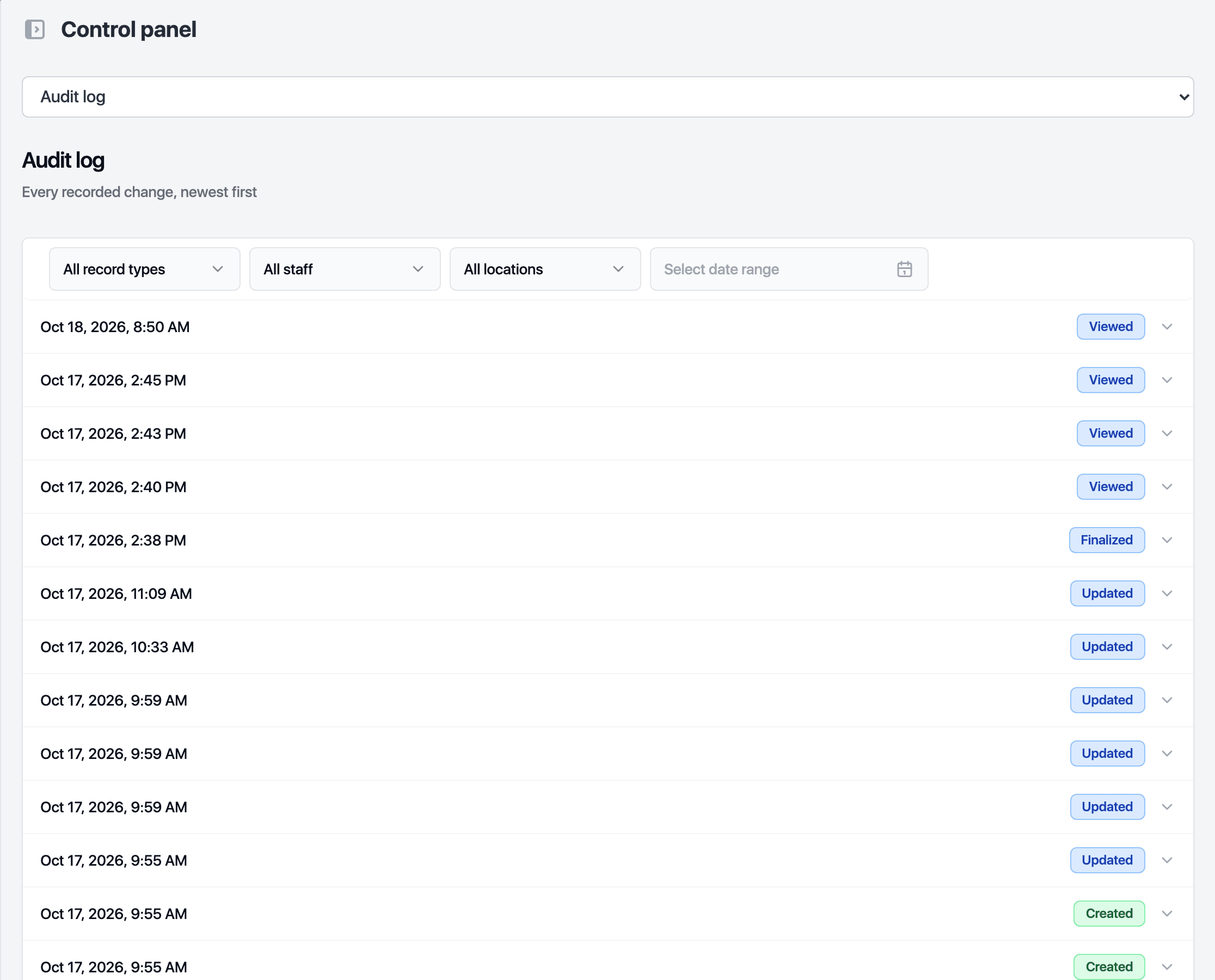
Narrow the list
- Filter by record type: appointments, customers, services, packages, sales, staff, signed forms, clinical notes and more.
- Filter by staff member. Changes made by automations show System as the actor.
- With more than one location, filter by location.
- Pick a date range to look at one day or one week.
What each row shows
| Column | Meaning | | --- | --- | | When | Date and time of the change | | Who | The staff member, or System | | Event | Created, Updated, Deleted, Restored, Viewed, Waived or Finalized | | Record | The record type and which one | | Changed fields | The fields that changed in that event |
Entries cannot be edited or deleted.
Updated October 20, 2026