

Reports open on a date range with presets for today, this week, this month, last month and the last 30 days. Every table exports to CSV.
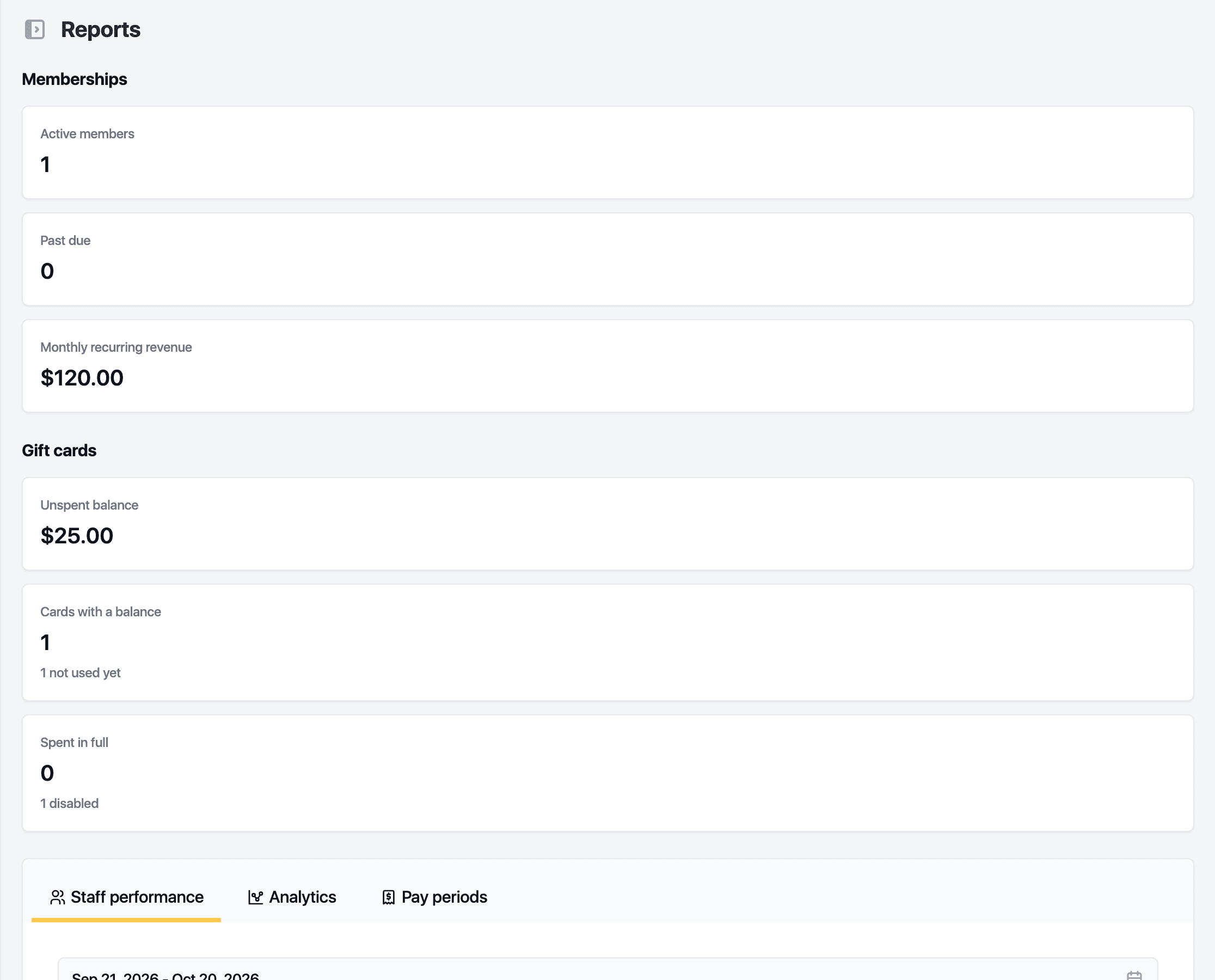
Staff performance
Value booked, paid, completed visits and utilisation for the range, then a row per staff member: appointments, completed, cancelled, no-shows, value booked, paid, service sales, hours booked, hours available and utilisation. Shared services are split evenly between the staff who worked them.
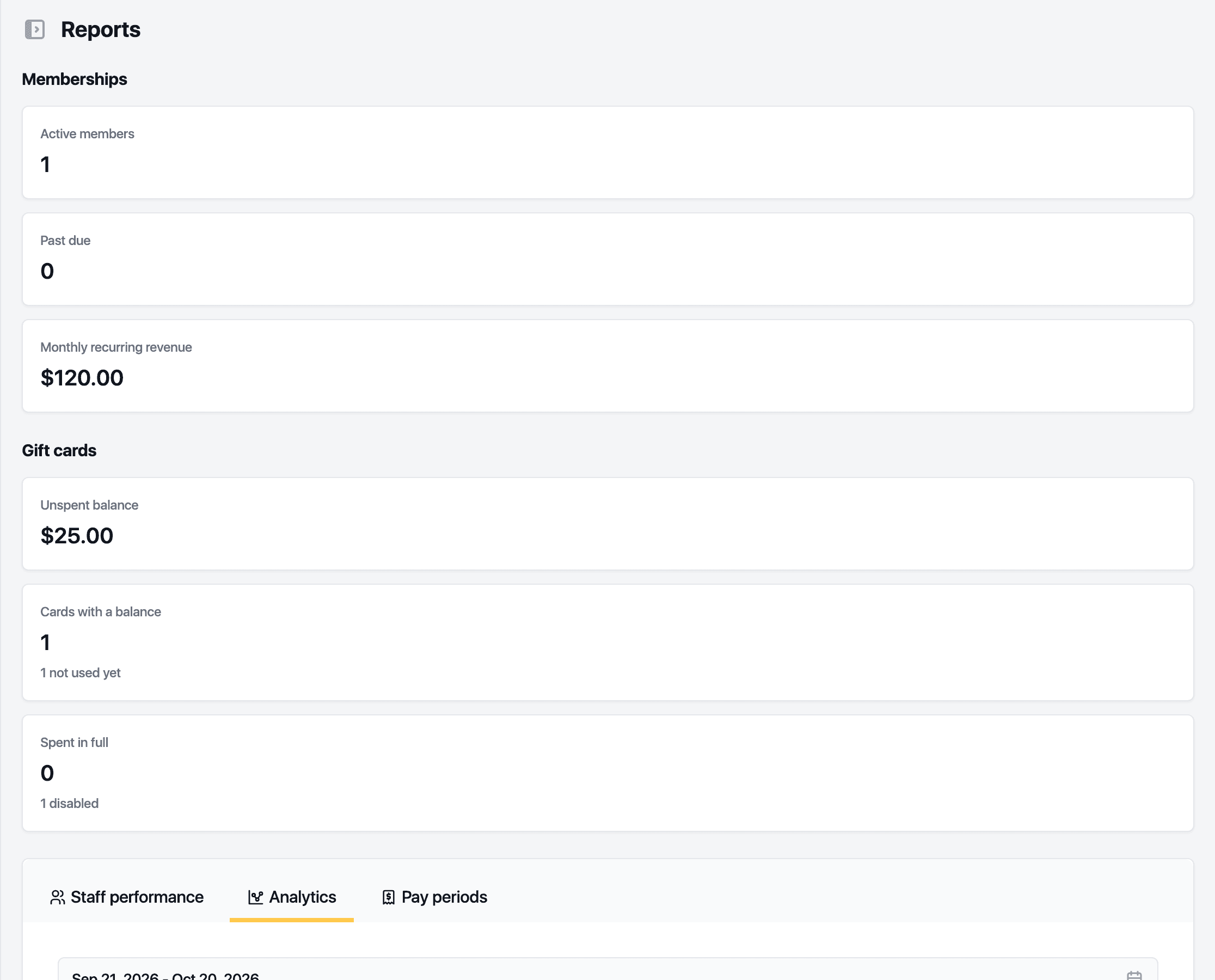
Analytics
Eight figures, each with its formula under the info icon: retention over 12 months, rebooking at checkout, client lifetime value, no-show rate, average ticket, utilisation, new against returning clients and package breakage. View list under a figure lists the clients, visits or invoices behind it, with its own CSV.
Pay periods
For each staff member: service sales, product sales, tips, no-show fees, commission and pay for the fortnight or month. Exports for the pay summary, tips and commissions. Shown to roles with payroll access.
Memberships and gift cards
The cards above the tabs show active and past-due members with monthly recurring revenue, and the unspent gift card balance.
Site comparison puts every location side by side: takings, refunds, bookings, packages sold and used, hours and utilisation.
Related guides
Updated October 20, 2026