

Clients get a record the first time they book online, or when you add them. The record holds their details, visits, packages, invoices, forms, notes and messages.
Add one
-
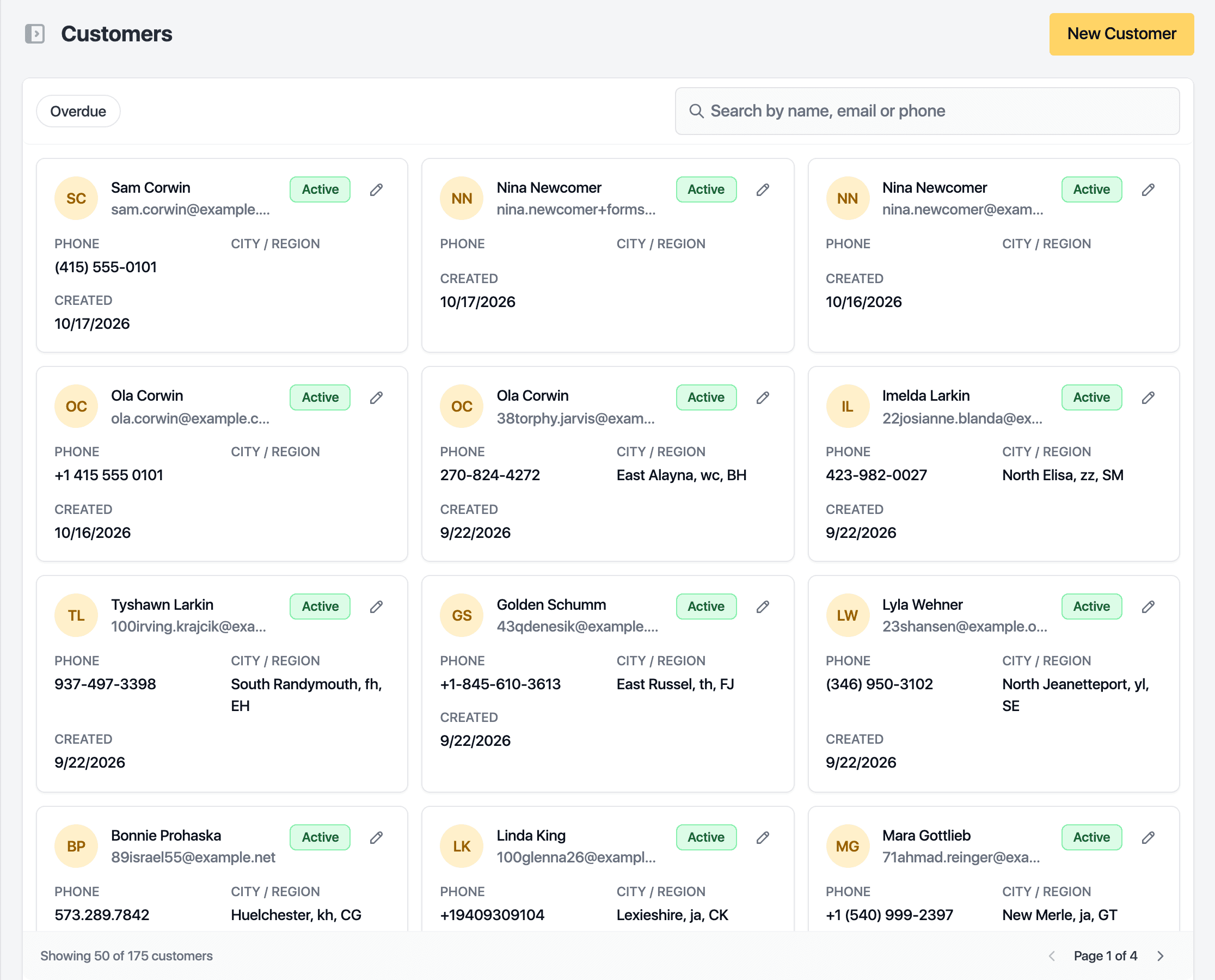
Open Customers in the sidebar.
-
Click New Customer.
-
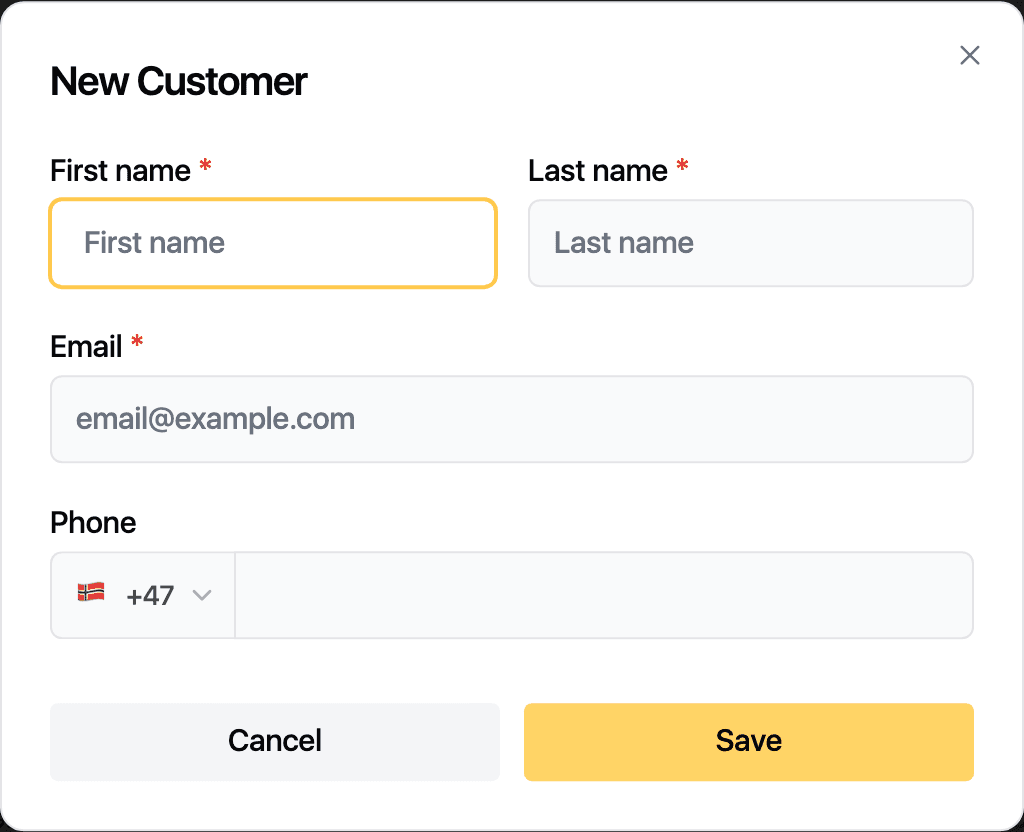
Enter the First name, Last name and Email. The Phone is optional, with a country code picker.
-
Click Save.
The client appears in the list. Open the record to add a birthday, an address, how they found you and their preferred contact method.
Find a client
Search by name, email or phone. The Overdue filter shows clients past their usual visit rhythm. Click a row to open the record, or the pencil to edit the basics in place.
A banner at the top reports possible duplicates when two records look like the same person.
Related guides
Updated October 20, 2026