

A resource is anything a booking occupies besides a person: a treatment room, a styling chair, a laser. Attach resources to a booking's service lines and the calendar shows a lane per resource.
-
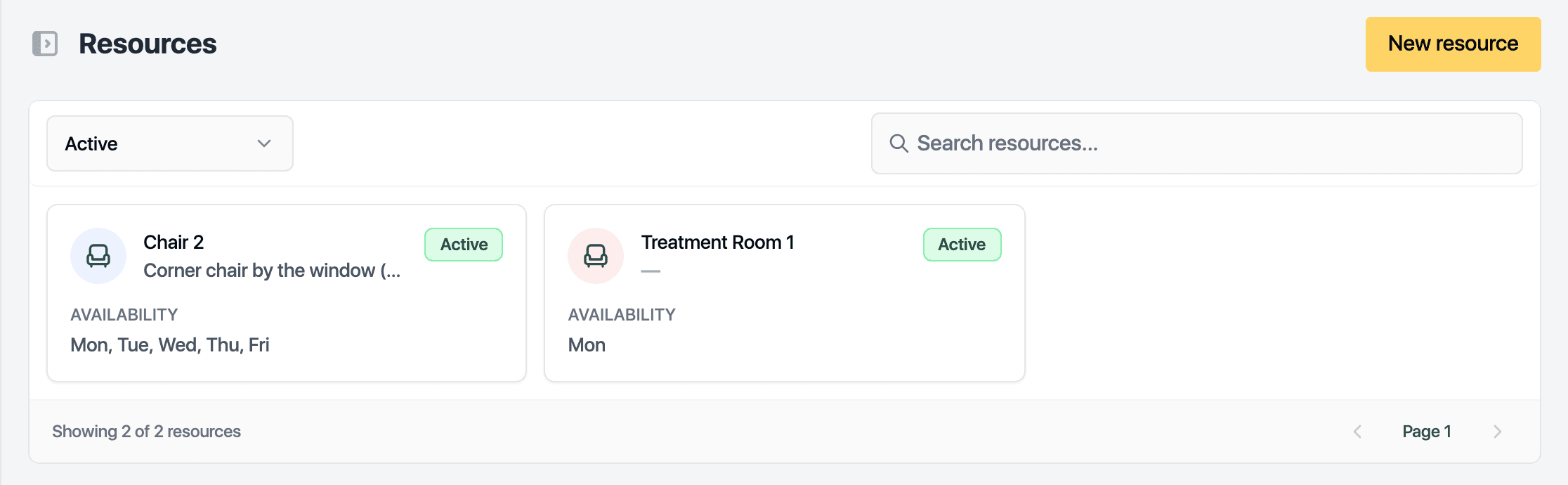
Open Resources in the sidebar.
-
Click New resource.
-
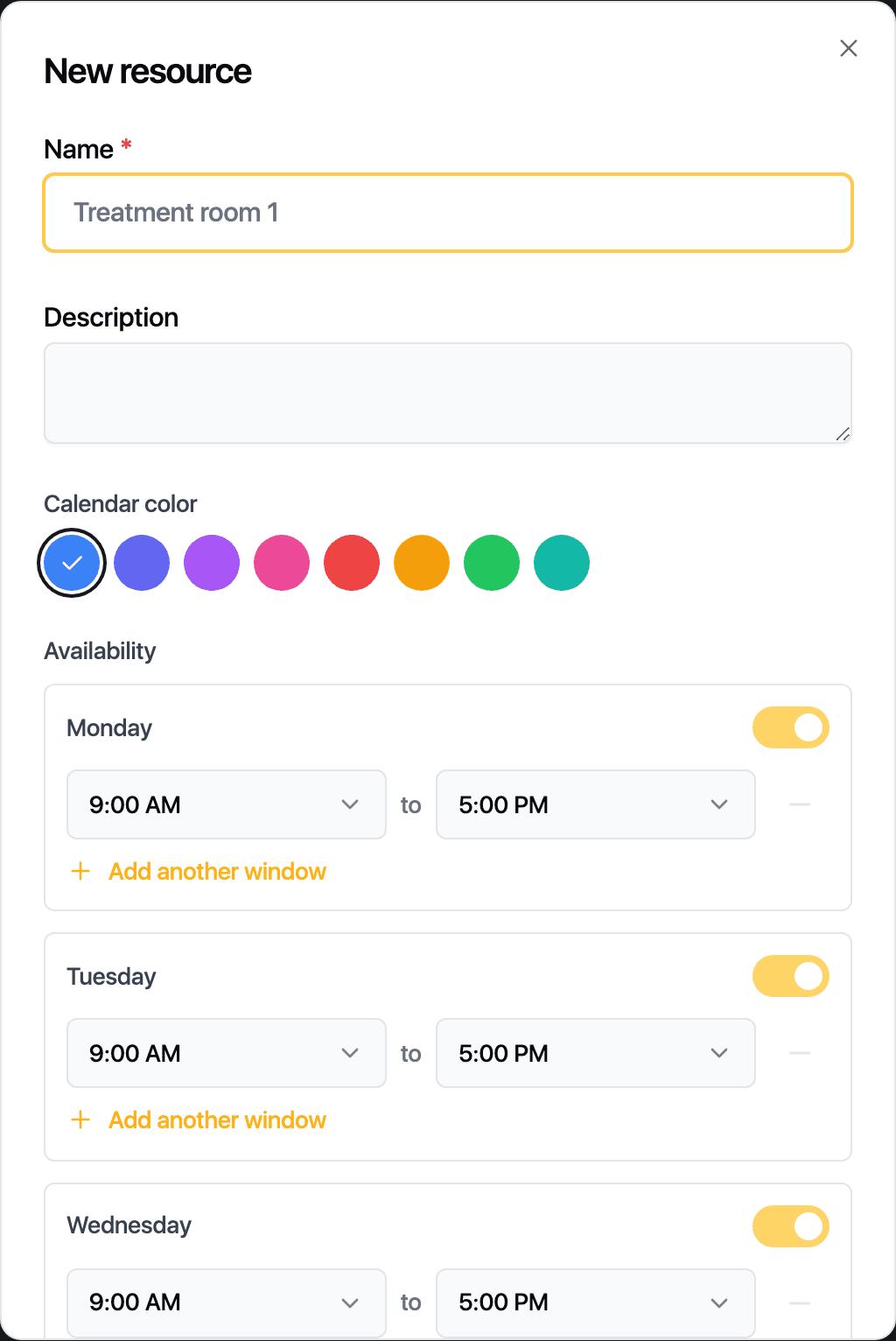
Enter the Name. A Description is optional.
-
Pick a Calendar color.
-
Check the Availability. It starts from your opening hours; change the days and times the resource can be booked.
-
Click Save.
Click a row to edit it. The Active toggle in the drawer retires a resource without deleting its history. What happens when two bookings want the same resource at the same time is set in the control panel: block the second booking, warn, or allow it.
With more than one site, each resource belongs to a Location. Once it has bookings there, it stays there.
Related guides
Updated October 20, 2026