
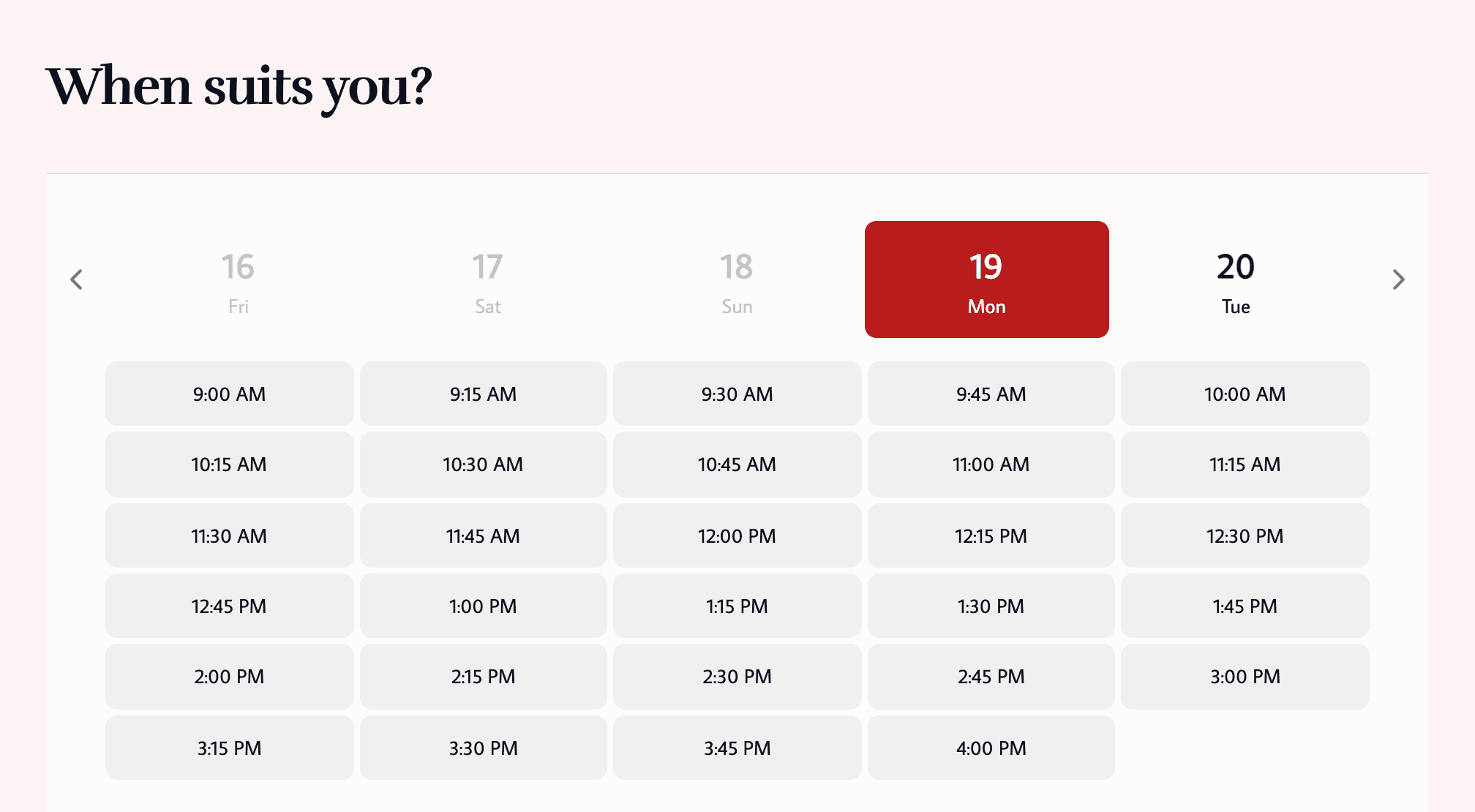
Online booking
Clients book themselves at any hour, on a page with your branding.
- Service, staff and time in a few steps
- Only open times are shown
- Your logo and colours

A booking page that follows your rules, on your domain.
Clients book on a page with your branding, your notice periods and your protection rules. Returning clients sign in with an email link to manage their own visits. Run it on book.yourdomain.com if you like.
Clients book themselves at any hour, on a page with your branding.
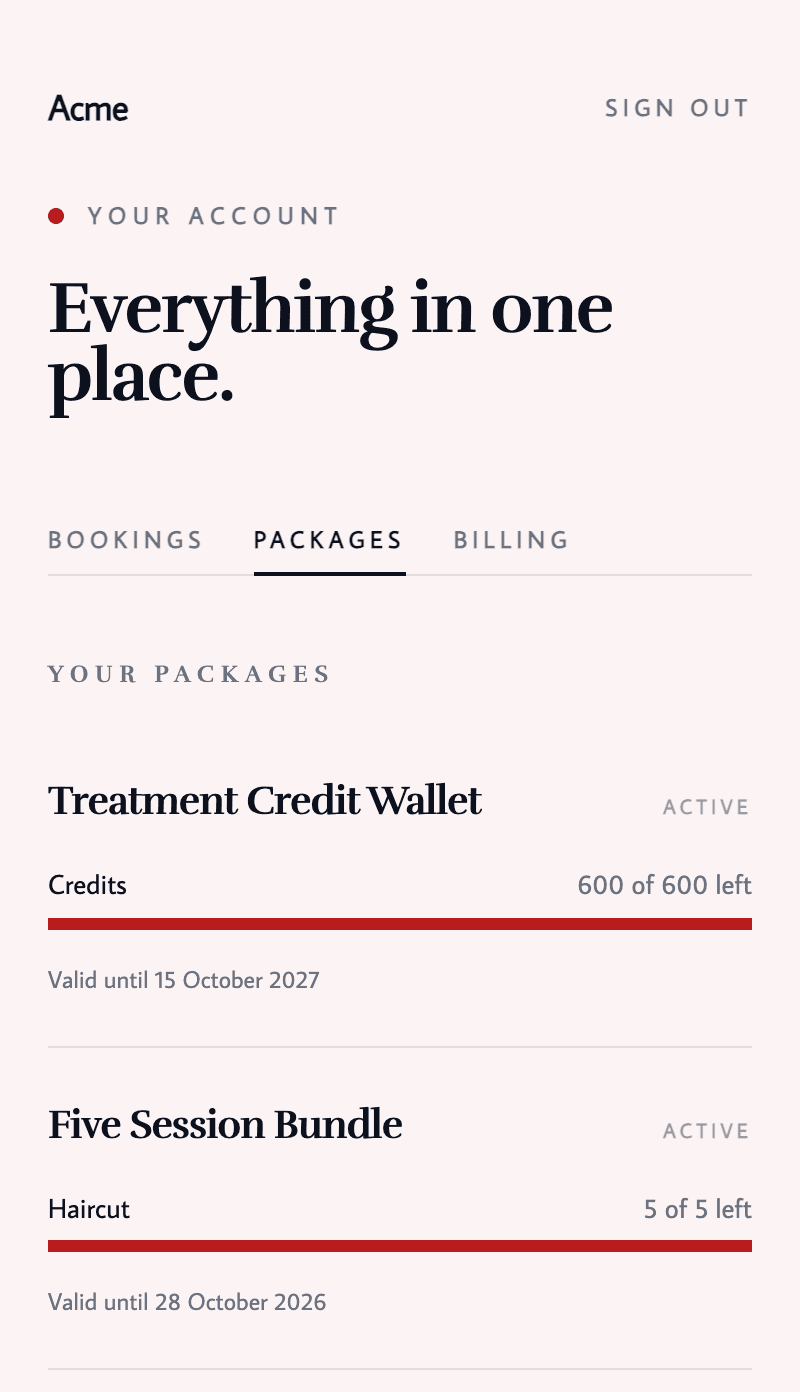
Clients look after their own bookings, so your phone rings less.
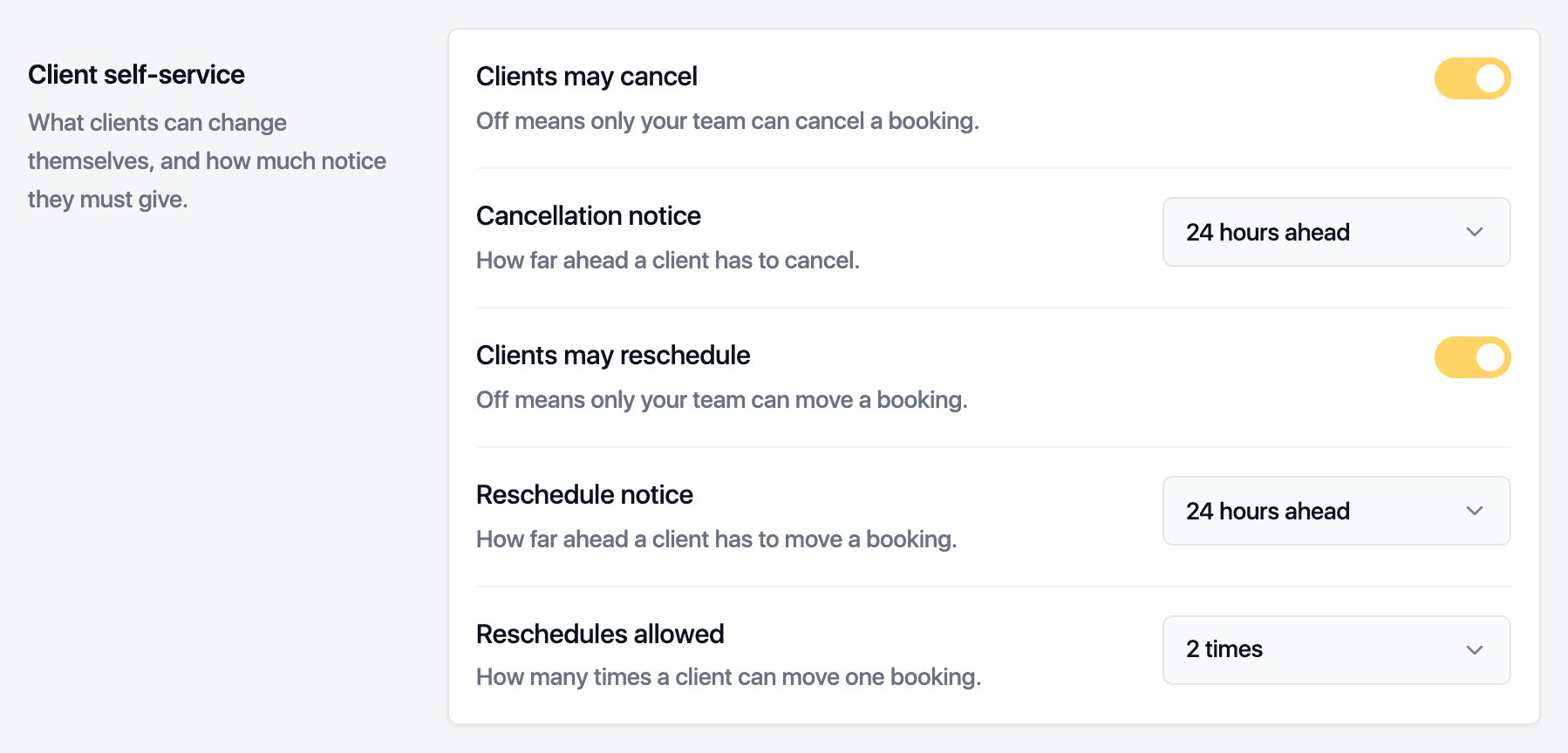
Your rules apply to every booking, so nobody has to remember them.
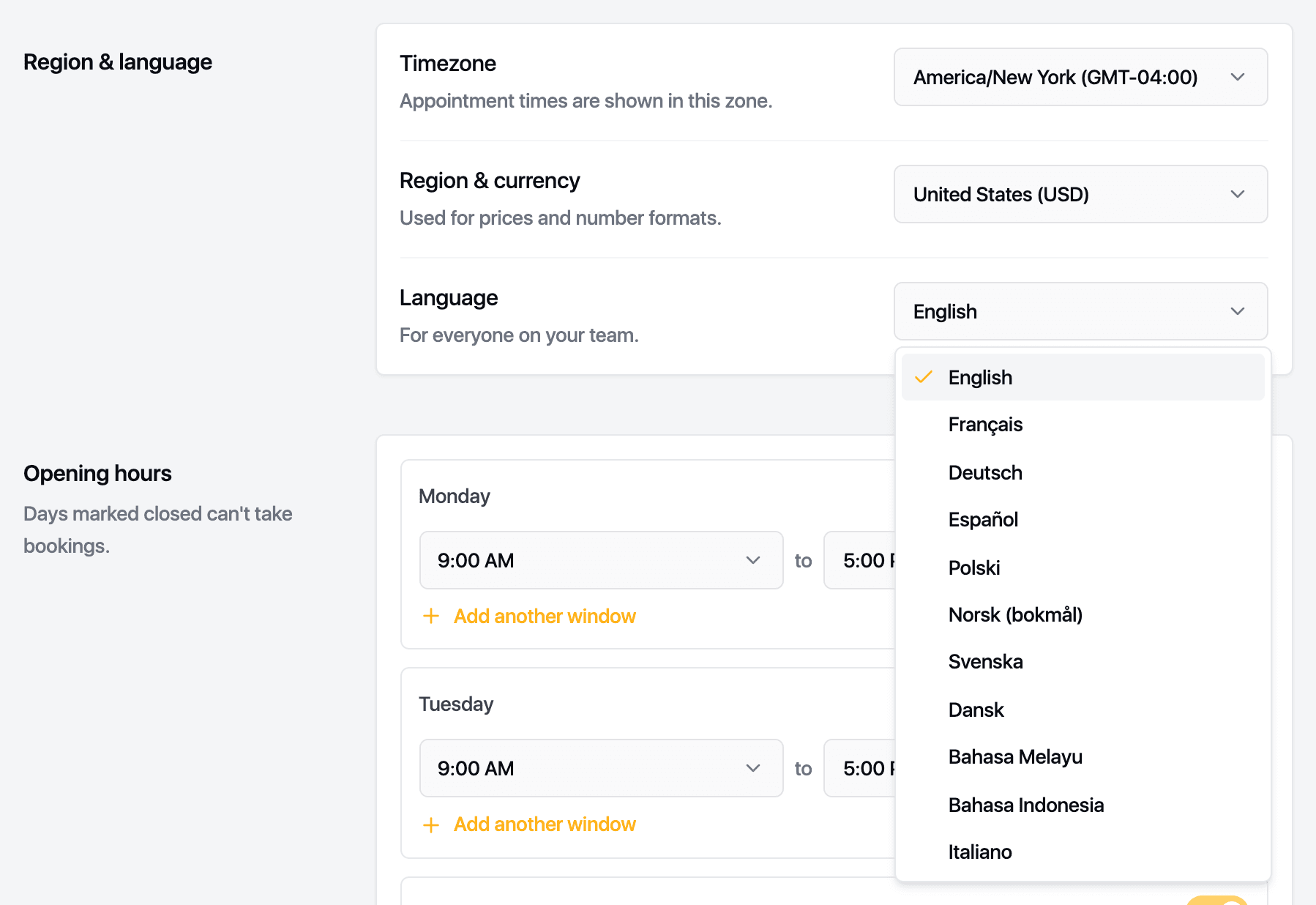
Run the business in your language and talk to clients in theirs.
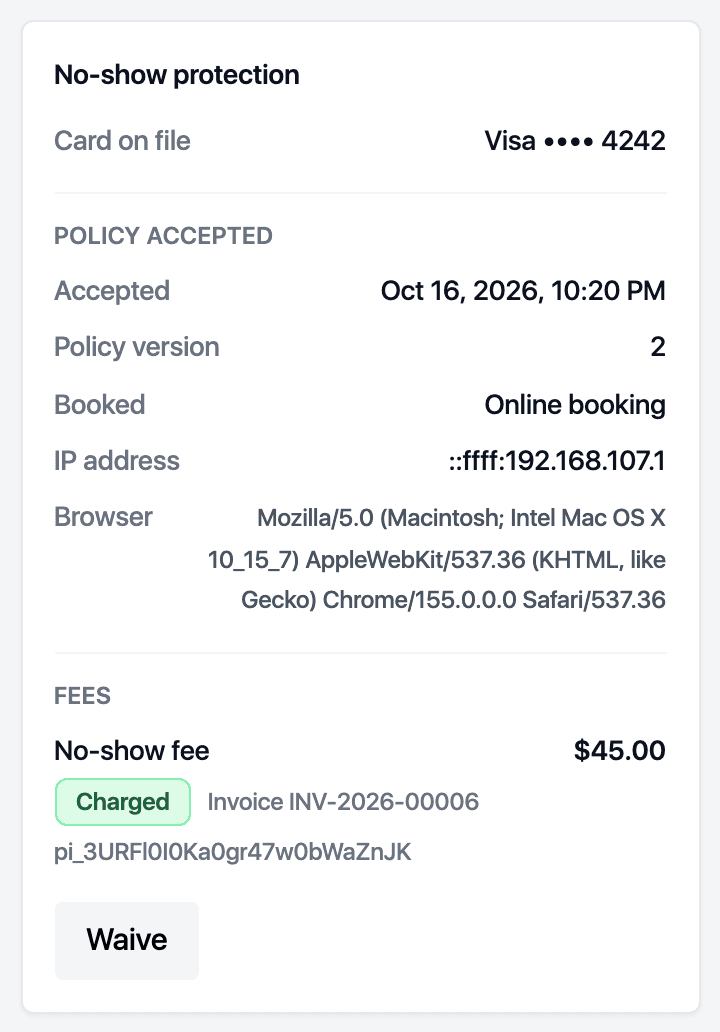
Ask for a card from new clients, from clients with a recent no-show, or from everyone. Take a deposit, and charge a fee when someone does not turn up.
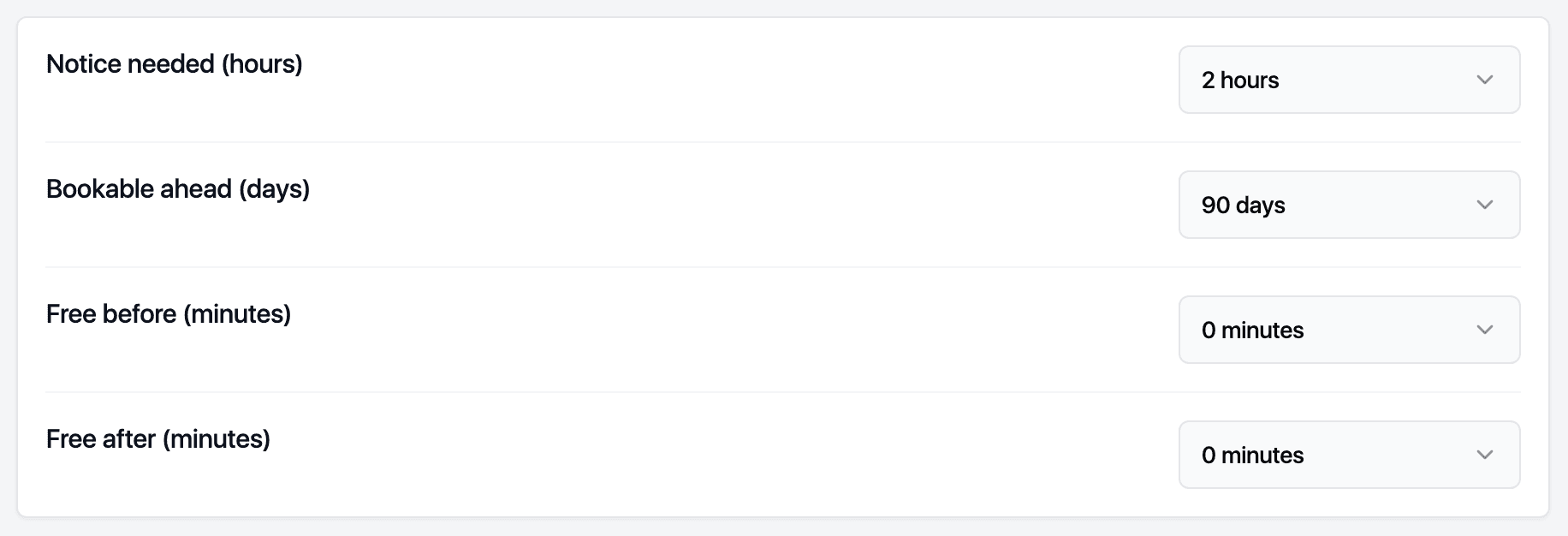
Set the notice you need, how far ahead clients can book, and buffers before and after. Override per service and per practitioner.
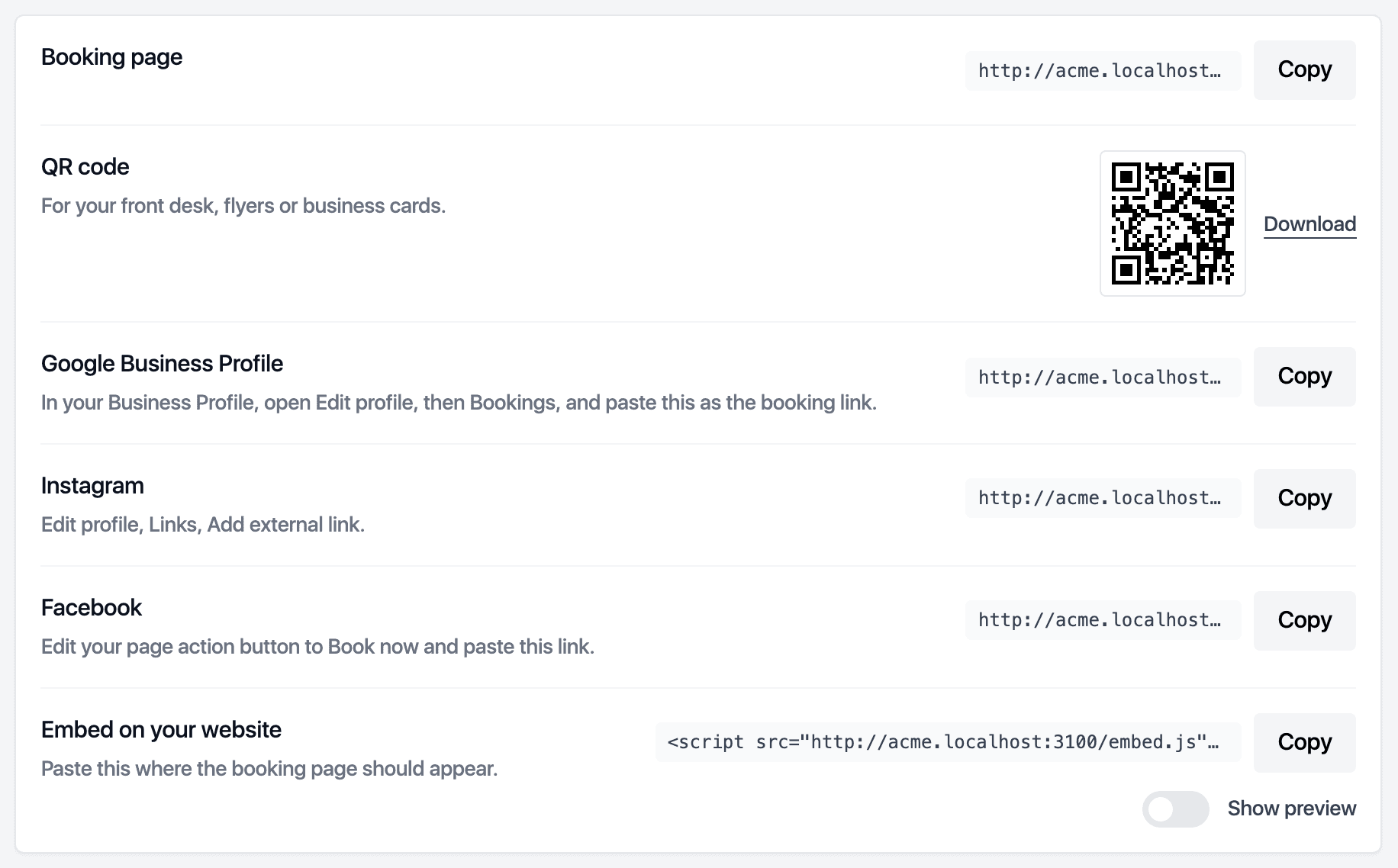
One link for your booking page, one per location, and a snippet that puts the booking page inside your own website.
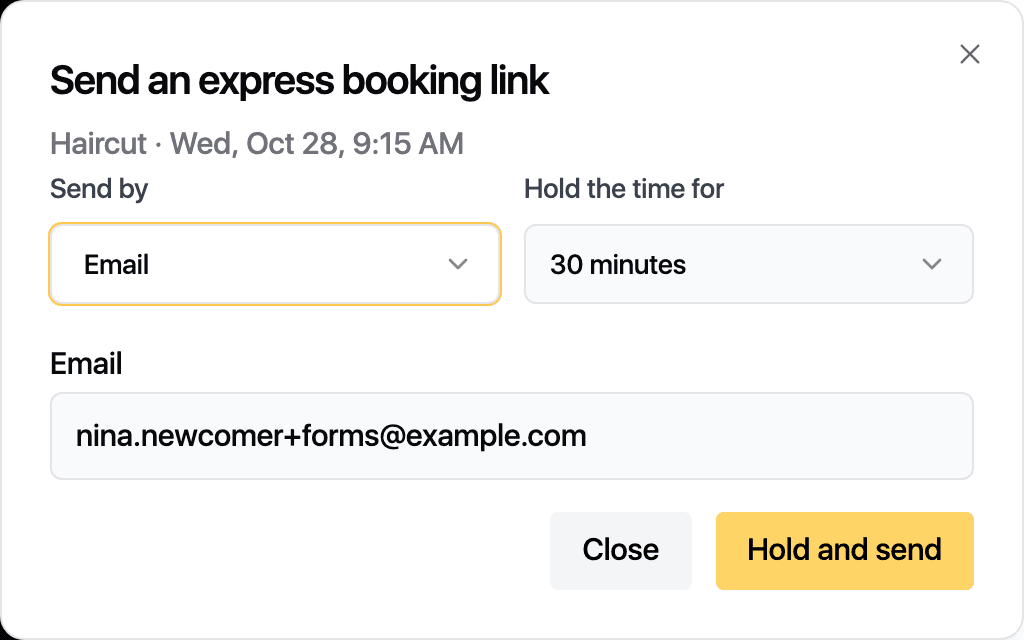
On the phone with a client? Hold the time and text them a link. They confirm in a tap, and the hold releases if they do not.
Every visit, note, form, message and payment on one record.
Staff, rooms, classes and repeat visits on one calendar.
Invoices, cards, packages, memberships, gift cards and stock in one till.
Confirmations, reminders and follow-ups that you word yourself.
Every figure names its formula and opens the list behind it.
Roles, pay rules and sites, managed from one account.
Export everything, connect anything, keep the keys.
Set up your services and team and start taking bookings during your free trial.