

A membership bills the client every week, month or year and tops up a package each cycle. The plan can carry a member discount and allow pauses.
Create the plan
-
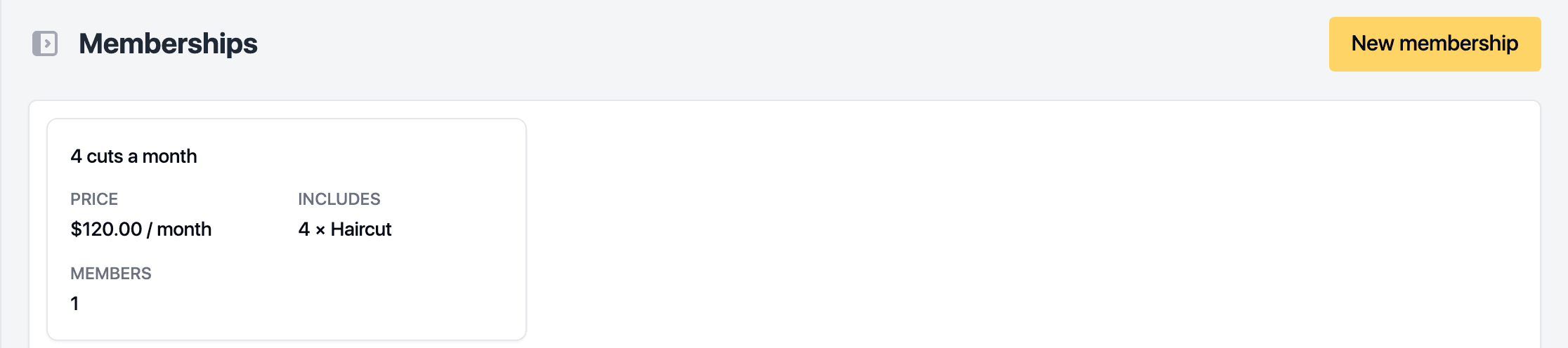
Open Catalog, then Memberships.
-
Click New membership.
-
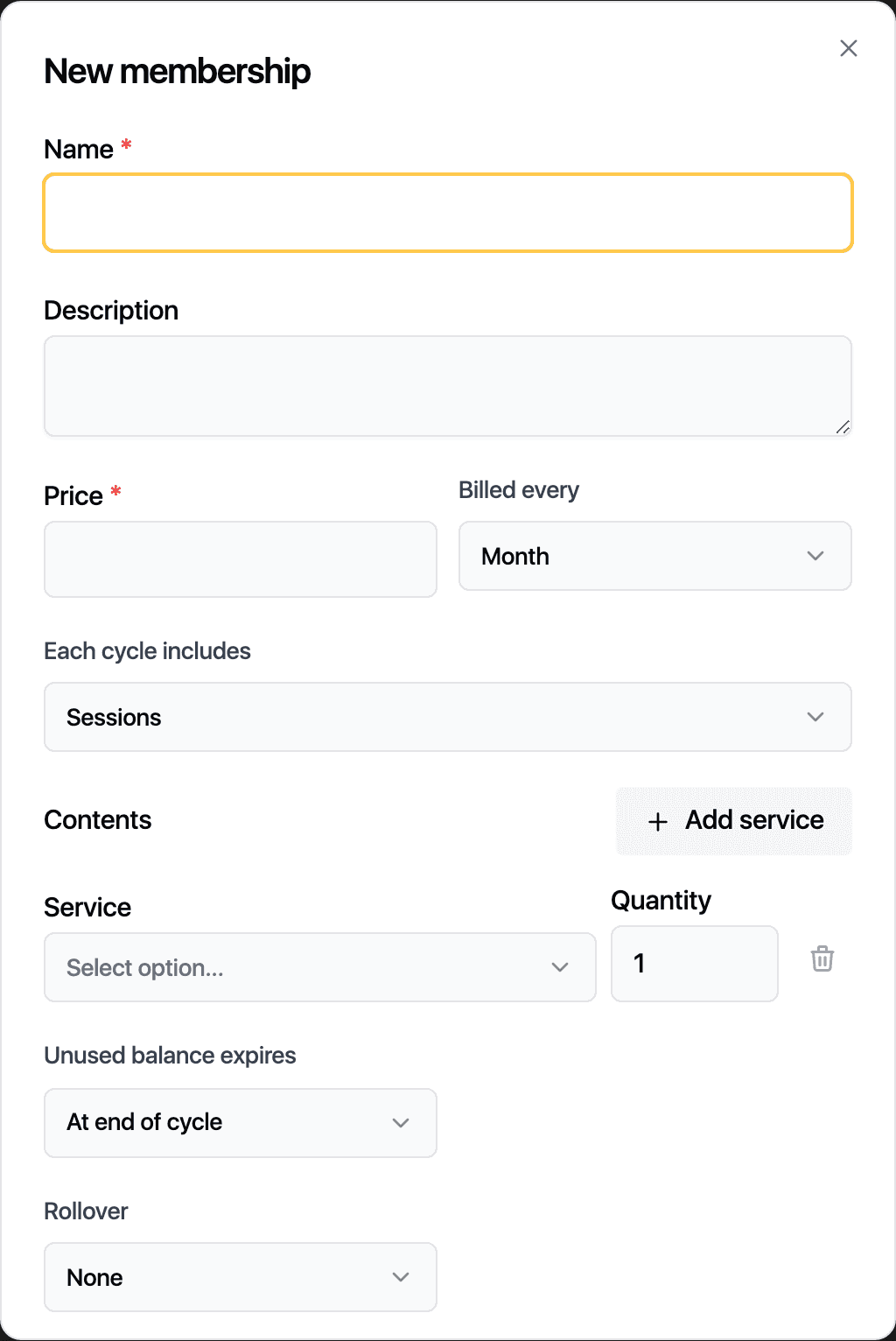
Enter the name and the Price, then choose Billed every: Week, Month or Year.
-
Choose what Each cycle includes: Sessions or Credits. For credits, set Credits per cycle.
-
Under Contents, add each service with its quantity or credits per visit.
-
Decide when an Unused balance expires: at the end of the cycle or after a number of days. Rollover carries unused sessions into the next cycle, for one or several cycles.
-
Set the Member discount (%) and the Pause days per year if you offer them.
-
Click Save.
Enrol a client
Open the client's record, go to the Packages tab and click Enrol. Pick the plan and a saved card, or enter a new one. The plan's pack appears under Packages and renews each cycle on that card. From the same place you can Pause, Resume or Cancel membership, at the end of the cycle or at once.
An archived plan keeps its existing members and stops new enrolments.
Related guides
Updated October 20, 2026